 how-to
How to Market Properties Using Virtual Tours in 2026
Table of Contents
- What You'll Need Before You Start
- Real Estate Virtual Tour Benefits That Move the Needle
- Choosing the Best Virtual Tour Software for Real Estate
- Step-by-Step: How to Market Properties Using Virtual Tours
- Building a Virtual Tour Marketing Strategy That Converts
- Tracking Analytics: From Lead Tracking to Sales Velocity
- Common Mistakes to Avoid When Marketing Properties Using Virtual Tours
- Frequently Asked Questions
Last Updated: September 15, 2026
What You'll Need Before You Start
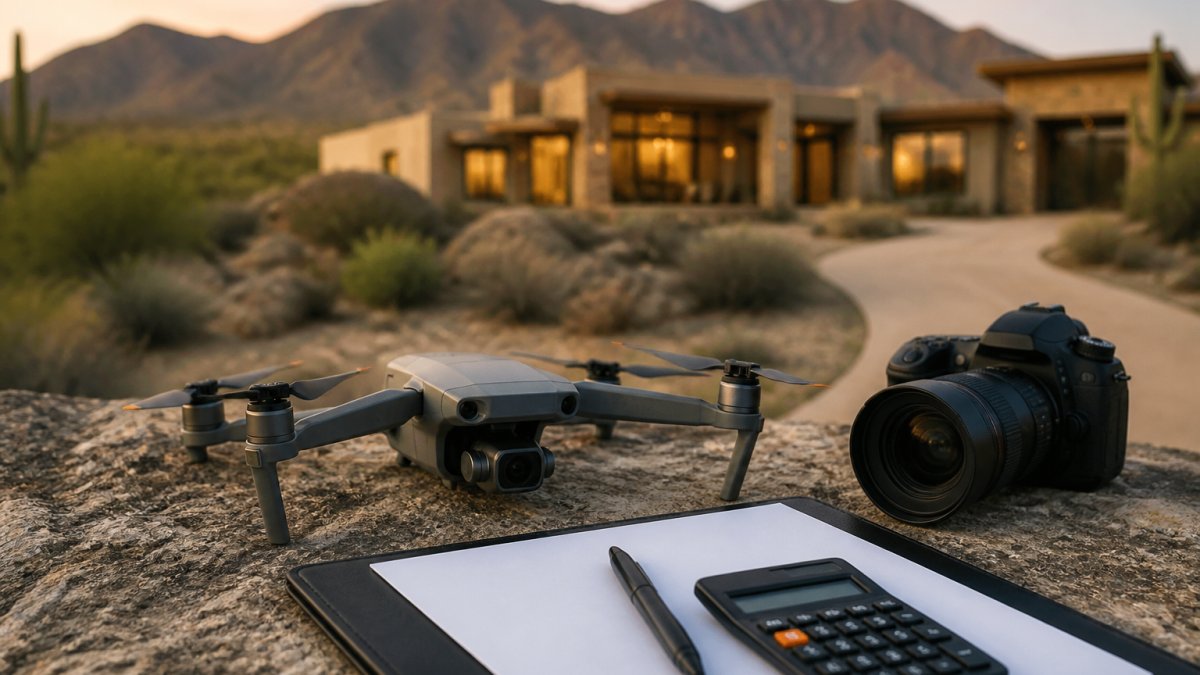
Marketing properties with virtual tours starts with three things: a capture plan, the right equipment, and a clear sense of where each tour will live online. Virtual tours are interactive 3D walkthroughs that let buyers explore a home room by room from any device. This guide from Desert Home Photography walks through capture, software, distribution, and the conversion tactics that turn views into showings.
Gather these before your first shoot:
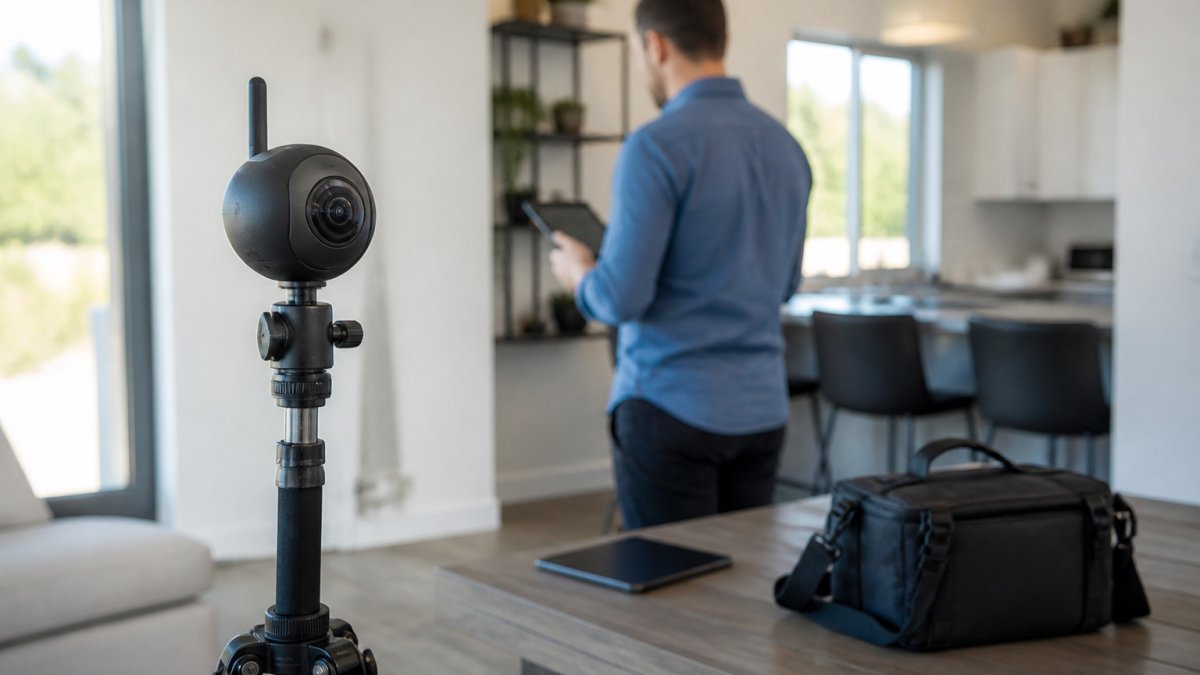
- A 360-degree camera or a smartphone with a wide-angle lens and stabilizer
- A tripod with a rotating head for consistent capture points
- A hosting platform that supports 3D tours, interactive floor plans, and smart links
- A listing description and email template ready for tour distribution
- A tracking method for lead capture and analytics
Real Estate Virtual Tour Benefits That Move the Needle
Real estate virtual tour benefits show up fastest in two places: how quickly a listing sells and how far its reach extends. Tours let buyers pre-qualify a property before scheduling a showing, which cuts wasted appointments for agents and shortens the decision cycle for serious buyers.
Faster Sales and Stronger Offers
Listings with immersive media tend to attract more engaged buyers who arrive at showings already sold on the layout. A buyer who has walked the home online asks sharper questions and moves to an offer faster. Time on market shrinks when the first showing is a qualified one.
Reaching Out-of-State and International Buyers
Remote viewing removes geography as a barrier. Buyers relocating from another state or country can tour a property without a flight, and interactive floor plans give them the spatial context photos alone cannot. For luxury listings in areas like Paradise Valley, that reach matters, since a meaningful share of interest often comes from outside the local market.
Choosing the Best Virtual Tour Software for Real Estate
The best virtual tour software for real estate balances four needs: 3D hosting, lead capture, analytics, and mobile delivery. Most platforms handle hosting well. The gap shows up in tracking, file weight, and how the tour behaves on a phone, which is where serious marketing teams separate themselves.
Before you compare platforms, decide which category you actually need:
| Platform Type | Best For | Lead Capture | Analytics Depth | Typical Monthly Cost |
|---|---|---|---|---|
| Basic 3D hosting | Single listings, low volume | Email gate only | View counts | Free to about $20 per tour |
| Full marketing suite | Agents with 15+ listings | CRM integration, smart links | Per-room heatmaps, drop-off | Roughly $50-$500 per month |
| DIY capture apps | Budget-conscious sellers | Manual export | Minimal | Free to about $30 per month |
| MLS-integrated tools | Brokerages with compliance needs | Syndicated lead routing | Listing-level reporting | Varies by MLS and brokerage |
Pricing shifts constantly, so treat those bands as a starting point and confirm current rates before you commit.
What to Test Before You Buy
- File weight. A full-home tour with 20+ panoramas can run well past 50 MB if the platform does not compress intelligently. Heavy tours stall on cellular connections, and a stalled tour is a lost viewer. Ask what the platform does to compress and stream panoramas.
- Mobile rendering. Open a sample tour on a mid-range phone over a cellular connection, not office Wi-Fi. Check whether the tour loads in a few seconds, whether the gyroscope tracking is smooth, and whether the lead form is thumb-reachable.
- Lead routing. Confirm whether leads land in your CRM automatically or require a manual export. Manual exports are where follow-up dies.
- Embed and share options. You want a clean iframe embed for your listing page, a standalone URL for social, and a smart link that tracks clicks by channel.
- Data ownership. Ask whether you can export your tour files and analytics if you leave the platform. Locked-in tours are a real cost.
DIY vs. Professional Virtual Tour Services
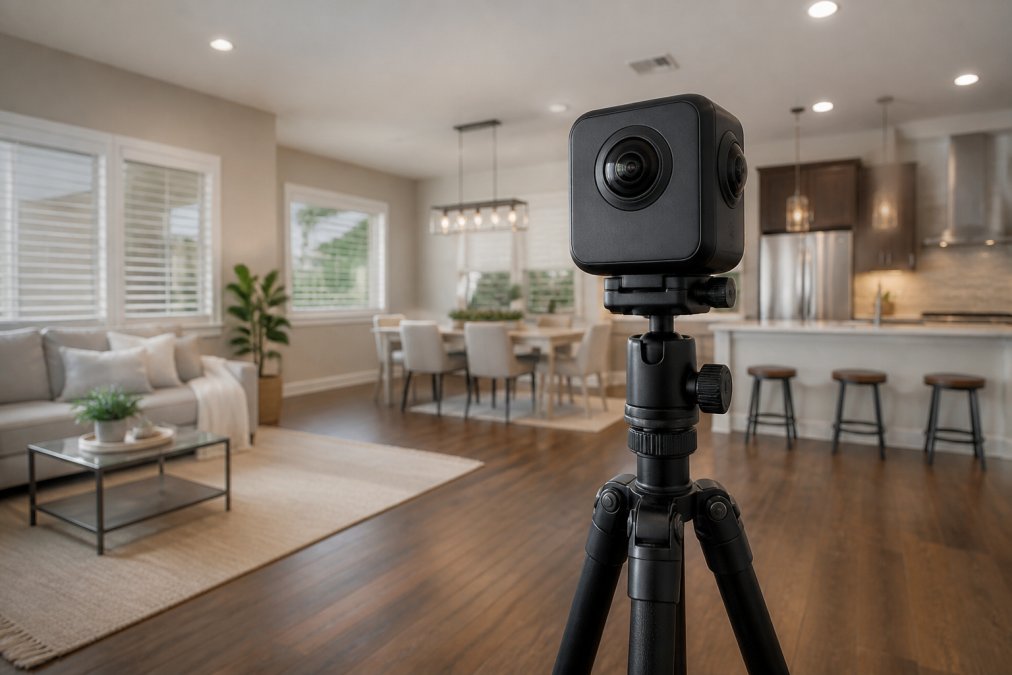
DIY capture works for a homeowner testing the waters or an agent with a single listing. A modern 360-degree camera plus a tripod can produce a serviceable tour, and entry-level rigs are affordable enough that the experiment is low-risk. The trade-off is lighting and consistency. Interior lighting is the hardest part to get right, windows blow out, corners go dark, and mixed color temperatures make stitching software guess. That is exactly where DIY tours fall short.
Professional services solve that with hand-blended imaging, consistent capture standards, and post-production that balances exposure room by room. At Desert Home Photography, our FAA-licensed drone operators and immersive virtual walk-through tours cover both the interior flow and the exterior context that sells a property. For agents juggling multiple listings a month, outsourcing capture removes a bottleneck and keeps quality steady across every property.
A practical rule of thumb: shoot DIY for a single listing or a price point where the marketing budget is tight, and hire a pro once you are running a portfolio, competing for luxury listings, or need drone and twilight coverage that a handheld camera cannot deliver.
Step-by-Step: How to Market Properties Using Virtual Tours
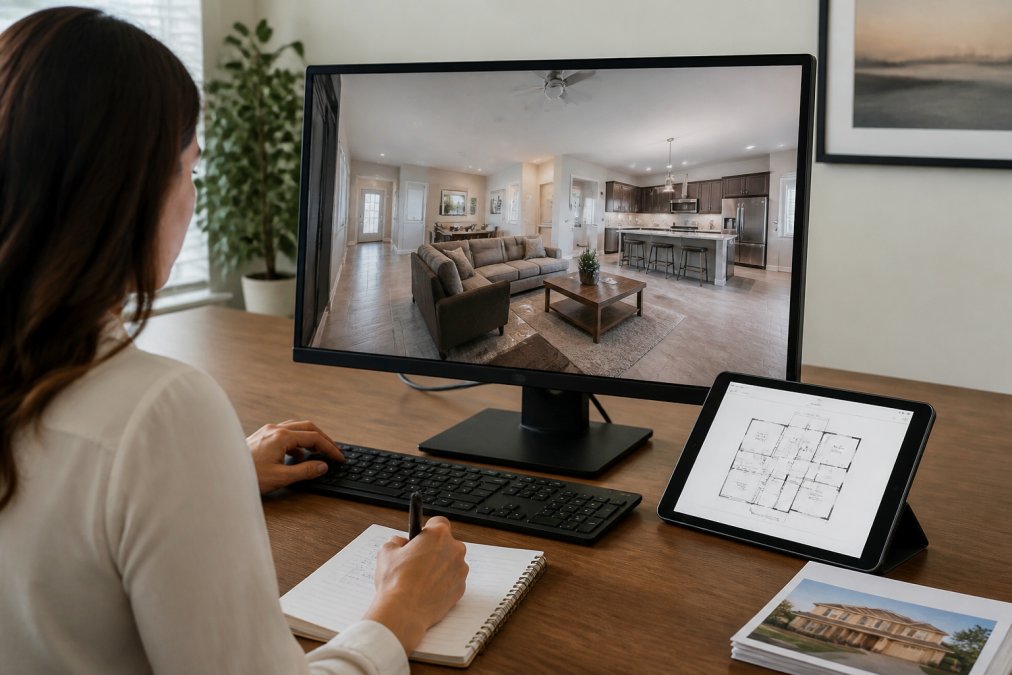
The process runs in three stages: capture, build, and distribute. Each stage has a specific deliverable, and skipping one weakens the others.
Step 1: Capture High-Quality 360-Degree Photography
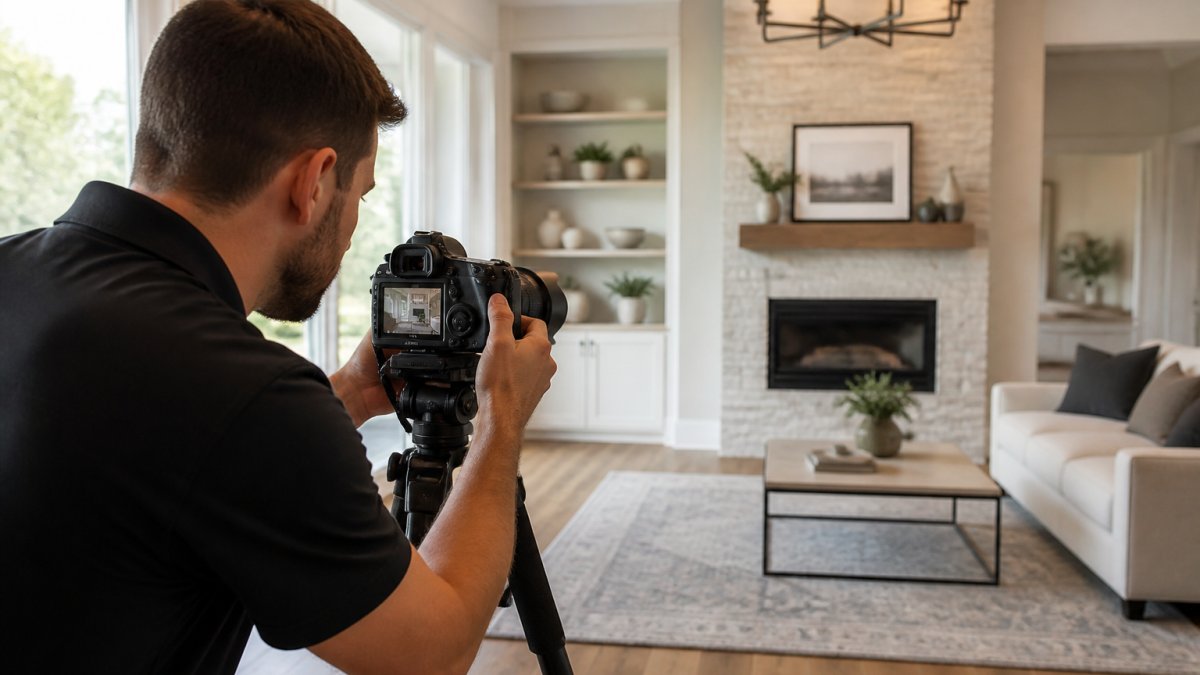
Set the camera at a consistent height in every room and capture overlapping angles so the stitching software has enough data. Open blinds and turn on interior lights to balance natural and artificial sources. Shoot the exterior and any standout features, like a pool or view, from multiple positions.
Step 2: Build the Tour and Add Interactive Floor Plans
Upload your captures to your hosting platform and order the rooms in the sequence a buyer would walk them. Add interactive floor plans so viewers can jump between spaces. Label key rooms and embed a lead capture form at the tour's midpoint, not just the end.
Step 3: Distribute Across Listings, Social, and Email
Place the tour link at the top of your listing description, not buried beneath photos.
Building a Virtual Tour Marketing Strategy That Converts
Post-Tour Conversion Tactics
SEO and Mobile-First Optimization
Tracking Analytics: From Lead Tracking to Sales Velocity
The Metrics That Actually Drive Decisions
| Metric | What It Tells You | Action |
|---|---|---|
| Time in tour | Buyer interest level | Boost listings with high time |
| Drop-off room | Weak spot in the home | Re-shoot or re-stage |
| Lead submissions | Conversion rate | Adjust form placement |
| Showing requests per 100 tours | True conversion efficiency | Shift spend toward high-converting listings |
| Cost per showing request | Marketing ROI | Cut channels that underperform |
Connecting Tour Engagement to Sales Velocity
Post-Tour Conversion Tactics
Common Mistakes to Avoid When Marketing Properties Using Virtual Tours
Frequently Asked Questions
Do virtual tours actually help sell houses faster?
Yes. Listings with virtual tours consistently draw more clicks and saves than photo-only listings, and agents report shorter time on market because remote buyers can rule properties in or out before scheduling a showing. The biggest gains come from out-of-state and international buyers who can't visit in person. Pairing a virtual walkthrough with high-quality imagery and an interactive floor plan gives buyers enough confidence to make an offer without a first physical visit.
How do virtual tours increase buyer engagement?
Virtual tours keep buyers on a listing far longer than a static photo gallery. The immersive experience lets viewers control the pace, revisit rooms, and picture themselves in the space, which builds an emotional connection before they ever step inside. Adding interactive floor plans, virtual staging, and smart links to schedule showings turns that engagement into booked appointments. Agents who track visitor behavior can follow up with buyers who spent the most time in specific rooms.
What's the best way to promote virtual tours on social media and email?
Post short teaser clips from the tour on Instagram, Facebook, and TikTok, then link to the full walkthrough in your bio or stories. For email, embed a clickable thumbnail that opens the tour directly, and segment your list so luxury buyers see high-end listings first. A consistent virtual tour marketing strategy across social, email, and your MLS listing keeps the property in front of buyers at every stage of their search.
Can I shoot virtual tours myself, or should I hire a professional?
DIY 360-degree cameras can work for simple spaces, but real estate virtual tour benefits depend heavily on image quality, lighting, and editing. Professional providers handle interior lighting challenges, use FAA-licensed drone operators for exterior and aerial shots, and deliver hand-blended imaging that makes listings stand out. For luxury properties or high-volume agents, the time saved and the polish gained usually outweigh the cost of doing it yourself.
Marketing properties with virtual tours rewards agents who treat the tour as the start of a conversation, not the end of a listing task. Desert Home Photography helps Phoenix Valley agents and homeowners get that first impression right with hand-blended imaging, immersive virtual walk-through tours, and FAA-licensed drone photography. Call or text Desert Home Photography to schedule your next listing shoot and turn every tour into a qualified lead.