 how-to
7 Virtual Tour Staging Steps That Sell Homes Faster
Last Updated: October 29, 2026
Quick Summary
Virtual tour staging is the work of preparing and arranging a home so its 360-degree tour and listing photos show the property at its best. Declutter first, clean second, and style last, then clear sightlines, balance lighting, and hide clutter before the camera arrives. Done well, it helps buyers picture themselves in the space.
- National Association of Realtors research found 29% of agents said staging helped sellers get 1% to 10% more in the offer.
- Virtual staging can cut staging costs by up to 97% compared with hiring a stager, per The Zebra.
- Physical staging runs about $2,300 to $3,200 on average.
- Virtual staging cannot fix a cracked wall, water stains, or a bad floor plan.
- Label every virtually staged image as virtually staged and never hide damage or stains.
Table of Contents
- Why Virtual Tour Staging Decides Whether Buyers Click
- Your Virtual Tour Home Staging Checklist, Room by Room
- How to Prepare a House for a 3D Tour Before the Camera Arrives
- Virtual Staging Tips for Real Estate Listings That Convert
- 3D Virtual Tour Photography Tips for Sellers and Agents
- Disclosure Rules and Ethical Limits for Digitally Staged Listings
- Book Your Virtual Tour Shoot With Desert Home Photography
- Frequently Asked Questions
Why Virtual Tour Staging Decides Whether Buyers Click
Virtual tour staging is the work of preparing and arranging a home so its 360-degree tour and listing photos show the property at its best. The payoff is real: National Association of Realtors research on home staging found that 29% of agents reported staging helped sellers get 1% to 10% more in the offer.
A well-staged room reads instantly on a phone screen. A cluttered one gets skipped.
What Buyers See Before They Ever Visit
Buyers scroll fast. Your first photo and the opening frame of your tour are the whole pitch. If the room looks dark, crowded, or empty, they move on before they ever book a showing.
- Most buyers tour online first, then visit in person
- A wide-angle lens makes small rooms feel open
- Bright, neutral rooms photograph best
- Empty rooms read as cold and hard to size up
That last point matters more than most sellers expect. An unfurnished room gives the eye nothing to measure against.
Your Virtual Tour Home Staging Checklist, Room by Room
Start with a simple virtual tour home staging checklist and work room by room. Declutter first, clean second, style last. That order saves hours.
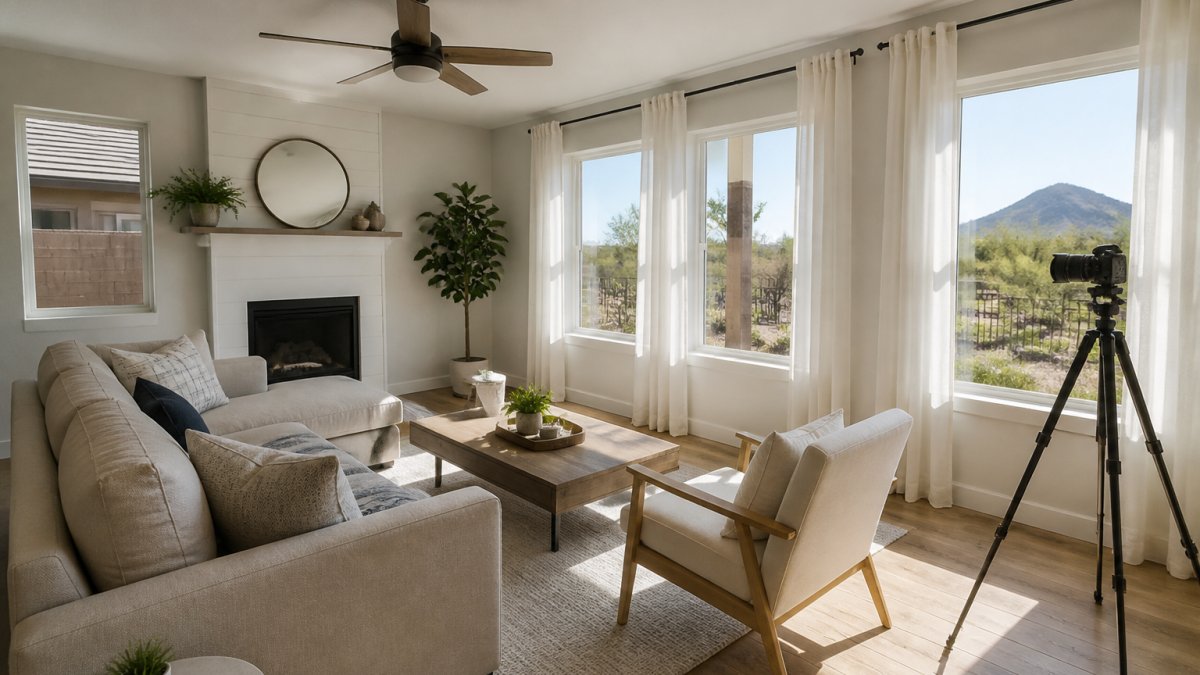
Living Areas and Kitchens
Clear every counter. Keep one or two décor pieces, nothing more. For tight spaces, this guide to staging a small living room for photos covers the tricks that make a room look bigger on camera. Kitchen counters deserve their own pass, and these kitchen counter styling tips for listing photos show exactly what to leave out.
- Pull furniture slightly off the walls
- Open all curtains and blinds
- Remove personal photos and fridge magnets
- Match lighting so colors stay even
Bedrooms, Bathrooms, and Entryways
Beds should look hotel-crisp. Bathrooms need every bottle and towel hidden. The entryway sets the tone, so keep it bare and bright.
How to Prepare a House for a 3D Tour Before the Camera Arrives
Preparing a house for a 3D tour means clearing sightlines, balancing light, and hiding clutter before the camera walks through. The camera captures everything, including the corners you forgot.
- Declutter every surface, including floors and stairs
- Turn on all interior lights and open blinds
- Hide cords, trash cans, and pet gear
- Wipe mirrors, glass, and stainless steel
- Clear a path so the camera never catches a tripod shadow
For a full walkthrough of the prep work, read this pro guide to staging a home for photography. It covers the details most sellers miss.
Virtual Staging Tips for Real Estate Listings That Convert
Virtual staging tips for real estate work best when the result looks believable. Digital furniture should match the room's scale, light, and style. Done well, it helps buyers picture themselves in the space.
Cost is the big draw. The Zebra's home staging statistics reports virtual staging can cut staging costs by up to 97% compared with hiring a stager, and that physical staging runs about $2,300 to $3,200 on average.
What Virtual Staging Can and Cannot Fix
Virtual staging fixes empty rooms, bland walls, and poor furniture choices. It cannot fix a cracked wall, water stains, or a bad floor plan. Imagen AI's virtual staging guide warns against using digital staging to hide structural damage or awkward features.
| Problem | Virtual Staging Fixes It? | Better Approach |
|---|---|---|
| Empty room | Yes | Add digital furniture |
| Dull walls | Yes | Add art and color |
| Cracked wall | No | Repair before the shoot |
| Water stain | No | Fix the source first |
| Awkward layout | Partly | Show it honestly with wide shots |
3D Virtual Tour Photography Tips for Sellers and Agents
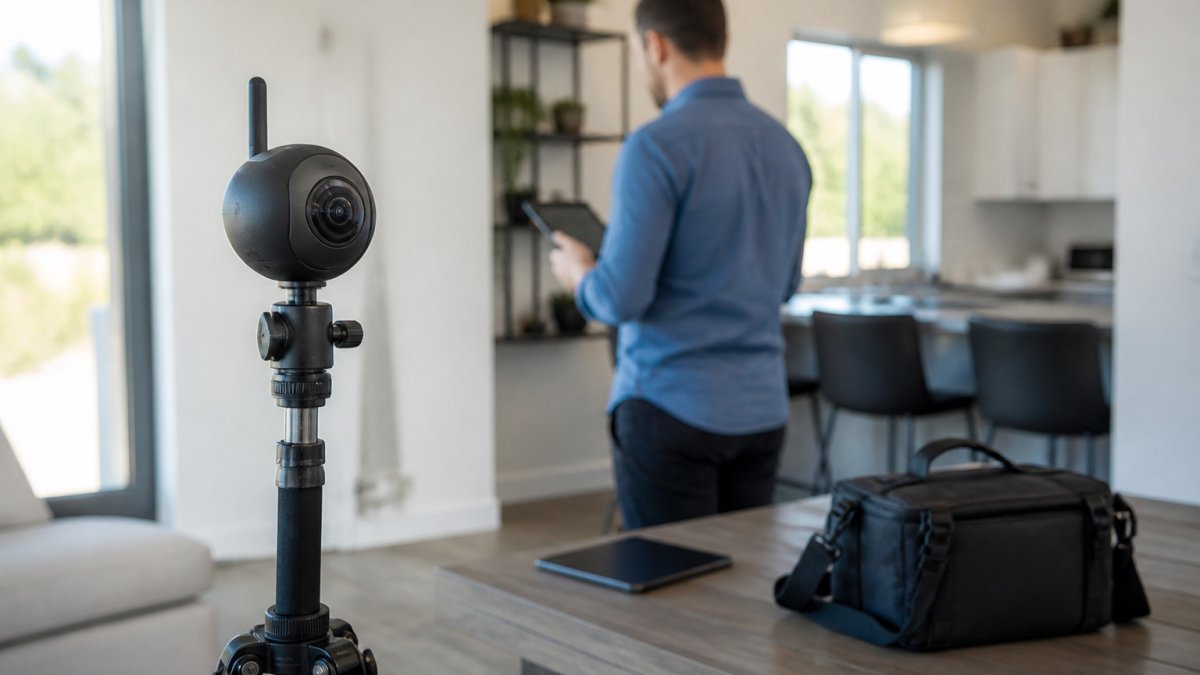
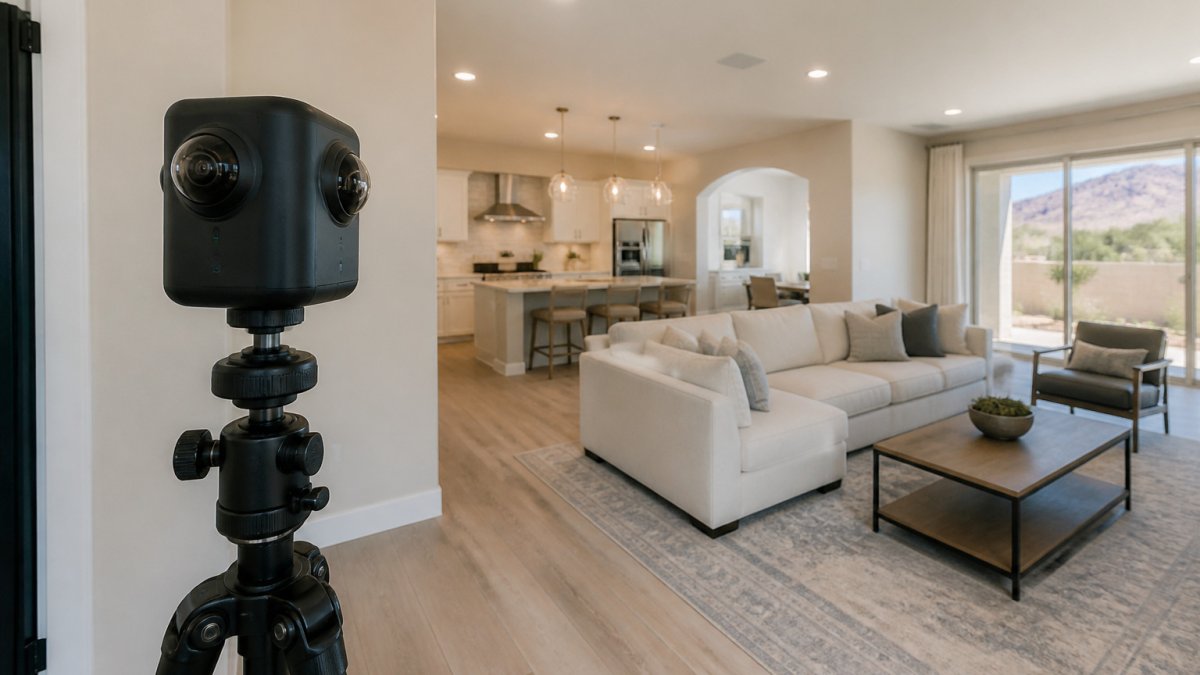
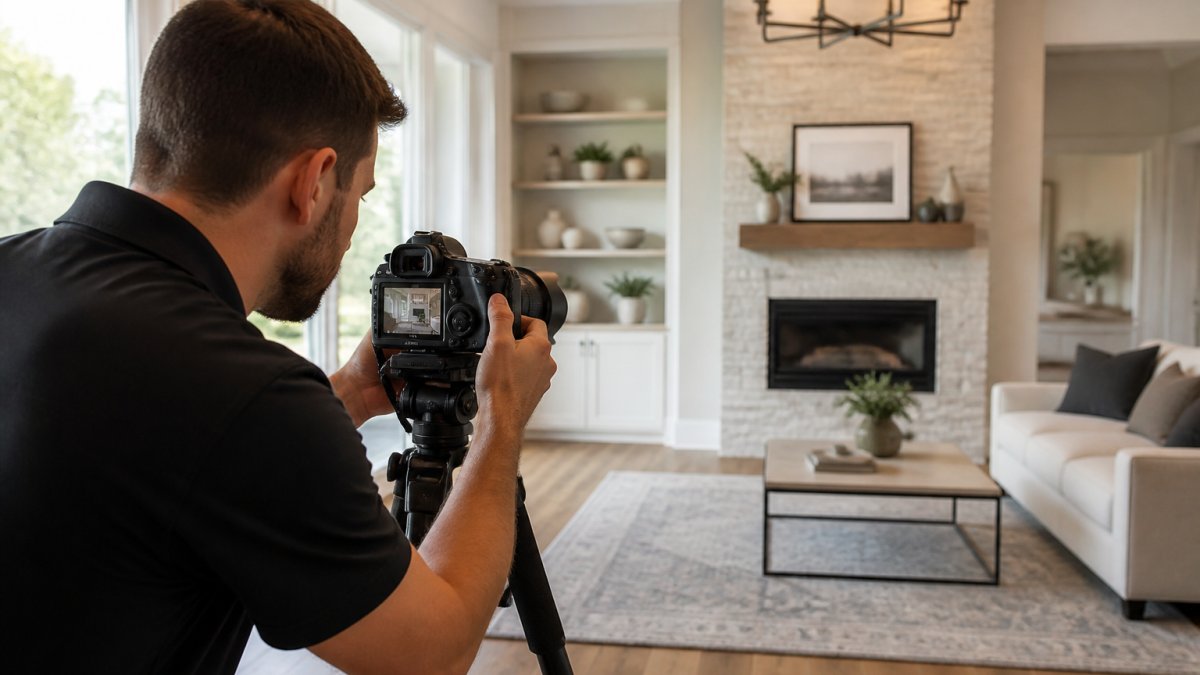
Good 3D virtual tour photography tips start with the camera, not the software. A steady tripod, a wide-angle lens, and even lighting do most of the work. HDR photography keeps windows and shadows balanced.
One surprise from the research: Harvard Business School's study of 75,000 home sales found 3D tours did not significantly boost sale prices and may even lengthen time on market. Tour quality matters, so a rushed scan can hurt you.
- Set the tripod at chest height
- Shoot each room from the doorway
- Use consistent resolution settings
- Check spatial awareness between stops
- Add hotspots so buyers can jump between rooms
The Post-Production Workflow Most Guides Skip
Most virtual tour guides stop at the camera.
- Ingest and back up, Copy raw files to two drives before editing. Name folders by property address and shoot date so you can find them months later.
- Batch color correction, Apply the same white balance and exposure preset across all rooms so the tour doesn't shift color as the viewer walks through.
- Stitch and align, Use the scanner's native software for stitching, then check each transition for ghosting or misaligned doorways.
- Hotspot mapping, Place hotspots at doorways and stair landings, not in the middle of rooms. Viewers expect to move forward, not sideways.
- Export for mobile first, Compress tour files to load quickly on a phone. A tour that buffers on cellular data loses viewers before the second room.
Mobile-First Tour Optimization
Most buyers open a virtual tour on a phone, not a desktop. That changes how you shoot and export. Wide-angle shots that look dramatic on a monitor can feel distorted on a small screen.
- Keep the opening frame simple, one clear room, no clutter
- Use larger hotspot buttons so they're easy to tap
- Avoid text overlays that shrink to unreadable sizes on mobile
- Check that the tour loads within a few seconds on a cellular connection
DIY vs. Outsourcing the Tour
Not every listing needs a full 3D scan. A simple decision matrix helps:
| Situation | DIY Makes Sense | Outsource Makes Sense |
|---|---|---|
| Budget under $500 | Yes | No |
| Luxury or high-end listing | No | Yes |
| Time before listing under 48 hours | No | Yes |
| Agent has a 360 camera and editing skills | Yes | No |
| Property has complex layout or outdoor spaces | No | Yes |
Disclosure Rules and Ethical Limits for Digitally Staged Listings
Digitally staged listings must be labeled as virtually staged. Buyers deserve to know which furniture is real. Hiding defects with CGI elements crosses an ethical line and can create legal risk.
Keep it honest:
- Label every virtually staged image
- Never remove structural features
- Never hide damage or stains
- Note any digital additions in the listing
How Disclosure Works in Practice
MLS policies vary. Some MLSs require the words "virtually staged" to appear on the image. Others require a separate field or a watermark. Before you upload, check your local MLS rules, a violation can result in a listing being pulled or a fine.
What Counts as Misleading
- Acceptable: Adding furniture to an empty room, painting bland walls in a digital image, adding art or rugs
- Risky: Removing a fixed feature like a wall, built-in shelving, or a window
- Not acceptable: Erasing water stains, cracks, or damage; changing the floor plan; adding square footage that doesn't exist
A Simple Disclosure Checklist
- Label every virtually staged image with the words "virtually staged" on the image itself
- Note in the listing description that some images are virtually staged
- Keep a record of which images were staged and what was added
- Never alter structural features or hide defects
- Check your state commission and MLS rules before uploading
Book Your Virtual Tour Shoot With Desert Home Photography
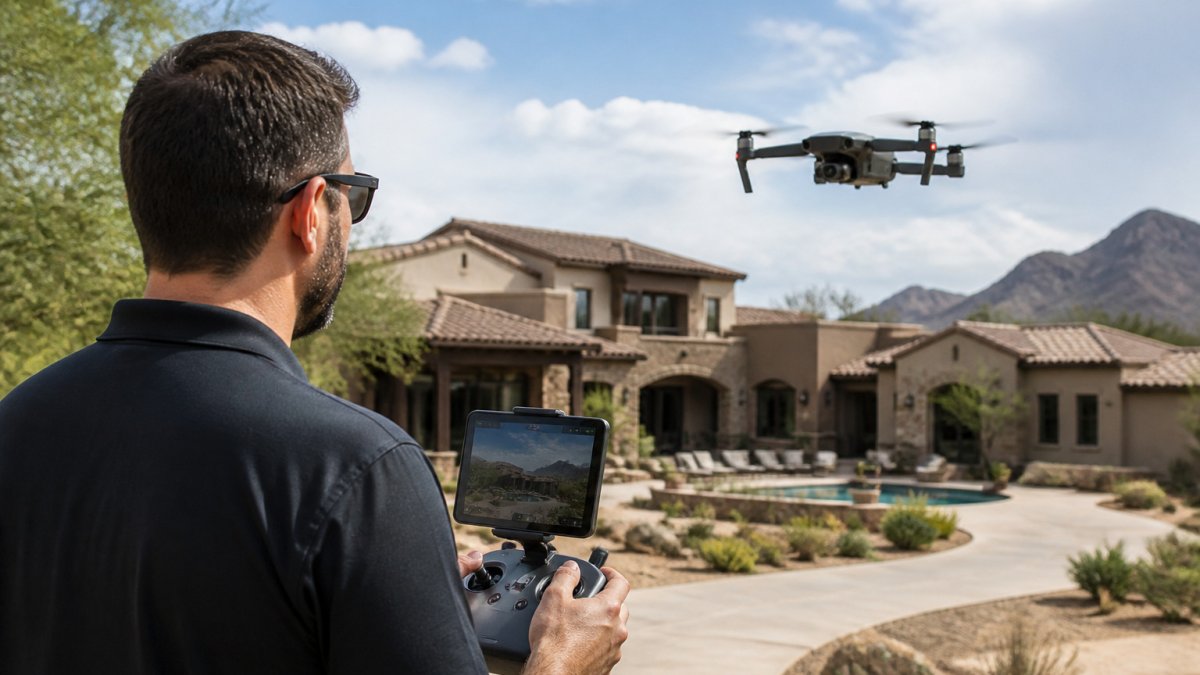
Desert Home Photography offers hand-blended imaging, immersive virtual walk-through tours, and FAA-licensed drone photography for listings across the Phoenix Valley.
One homeowner said she was "amazed by the stunning photographs of my home." An agent told us she relies on our team for every listing because the work "always impresses my buyers."
Ready to make your listing stand out? Get in touch with Desert Home Photography to schedule your virtual tour shoot.
Frequently Asked Questions
How do you stage a home for a virtual tour?
Start by decluttering every room, then depersonalize photos, knickknacks, and fridge magnets so buyers can picture their own life in the space. Clean windows and open blinds to maximize natural light, rearrange furniture to open walkways for the camera path, and fix small issues like burned-out bulbs or scuffed walls. Virtual tour staging works best when the physical space is tidy and the camera has a clear, unobstructed route through each room.
What should you remove before a virtual home tour?
Pull personal photos, medications, mail, pet bowls, laundry, and anything with your name on it. Clear kitchen counters down to one or two decorative items, empty bathroom vanities of toiletries, and remove floor clutter like shoes and cords that trip up 360-degree photography. Buyers touring a property listing online notice clutter fast, and small distractions pull attention away from the features you want them to see.
Should you turn on all the lights for a virtual tour?
Yes, turn on every light and replace any burned-out bulbs before the shoot. Consistent lighting balance helps 3D virtual tour photography capture even exposure across rooms. Open curtains and blinds too, but angle them so direct glare does not blow out the camera sensor.
How do you make a small room look bigger in a virtual tour?
Use a wide-angle lens during the shoot, keep furniture low and pulled slightly away from walls, and remove bulky pieces that crowd the frame. Mirrors and light paint help, and virtual staging can add scale-appropriate furniture to an empty room so buyers read the space correctly. Avoid overstuffing a small room with digitally inserted pieces, since oversized CGI furniture makes a room feel tighter in a virtual walkthrough.
Your listing deserves more than a phone snapshot and a hopeful price. Desert Home Photography brings hand-blended imaging, immersive virtual walk-through tours, and FAA-licensed drone work to every property. Call or text us today to book your shoot and give buyers a reason to click.