 blog
blog
Best Virtual Tour Software for Agents: 2026 Guide
Table of Contents
- What to Look for in Virtual Tour Software for Agents
- Top Matterport Alternatives for Real Estate Agents
- How to Create a 360 Virtual Tour That Converts Buyers
- Virtual Tour Photography Best Practices for Listings
- Pricing Models and What Drives Cost
- Post-Tour Lead Conversion Workflows
- Accessibility and MLS Compliance for Virtual Tours
- Frequently Asked Questions
Last Updated: September 12, 2026
What to Look for in Virtual Tour Software for Agents
The best virtual tour software for agents is the one that turns a listing into a lead, not just a pretty walkthrough. Most platforms handle the basics: 360-degree photography, panoramic imagery, and a web-based viewer. What separates a tool that pays for itself from one that just eats your subscription budget comes down to two things: how well it captures buyer attention, and how reliably it captures buyer contact information.
This guide from Desert Home Photography breaks down the features that matter and the workflows that convert a virtual tour into a showing request. We shoot listings across the Phoenix Valley every week, so we've seen firsthand which tours move properties and which ones sit ignored.
Interactive Hotspots and Floor Plan Integration
Interactive hotspots let you tag specific features inside a 360-degree scan: the renovated kitchen, the pool, the mountain view from the primary suite. Buyers click a marker and see a close-up, a detail shot, or a short description. It's the difference between a passive panorama and a guided experience.
Floor plan integration takes this further. A linked floor plan lets buyers jump directly from a top-down layout into any room's panorama, which mirrors how people actually shop for homes. A common mistake is skipping hotspots entirely and relying on the raw scan. In practice, tagged tours hold buyer attention noticeably longer because there's always a next thing to click.
Lead Capture and CRM Integration
A virtual tour that doesn't ask for contact information is a brochure, not a tool. Look for built-in lead generation forms, gated content, and MLS compliance so your tour works within listing rules. The stronger platforms push captured leads straight into your real estate CRM, so a buyer who views the primary suite three times shows up as a warm contact instead of an anonymous page view.
What most guides miss is the timing. The best lead capture triggers after engagement, not before. Ask for an email after a buyer has spent two minutes inside the tour, and completion rates climb. Ask immediately, and you lose them at the door.
Top Matterport Alternatives for Real Estate Agents
Matterport set the standard for immersive 3D tours, but it isn't the only option, and for many agents it isn't the right one. Its subscription model and hardware costs push some teams toward lighter, web-based viewers that still deliver a solid immersive experience. Below is how the main categories of alternatives compare.
| Platform Type | Best For | Key Strength | Trade-off |
|---|---|---|---|
| Full 3D capture (Matterport-style) | Luxury and high-end listings | True-to-scale 3D models | Higher cost, proprietary hardware |
| 360 photo tour platforms | Most residential agents | Low cost, fast turnaround | Flat panoramas, no true 3D |
| DIY panorama builders | Budget-conscious agents | Very low cost | Manual stitching, rougher output |
| Professional photography bundles | Agents who want it handled | Done-for-you, consistent quality | Recurring per-listing cost |
National Association of Realtors technology survey consistently finds that virtual tours rank among the most-used tools for marketing listings, which is why the alternatives market keeps growing. For most agents, a well-built 360 photo tour delivers most of the buyer engagement at a fraction of the cost of full 3D capture. Reserve the heavier 3D platforms for the listings where the price point justifies it.
How to Create a 360 Virtual Tour That Converts Buyers
Building a 360 virtual tour that actually converts means combining clean capture, smart editing, and a viewing experience that guides buyers toward action. The steps below work whether you shoot it yourself or hand the job to a professional.
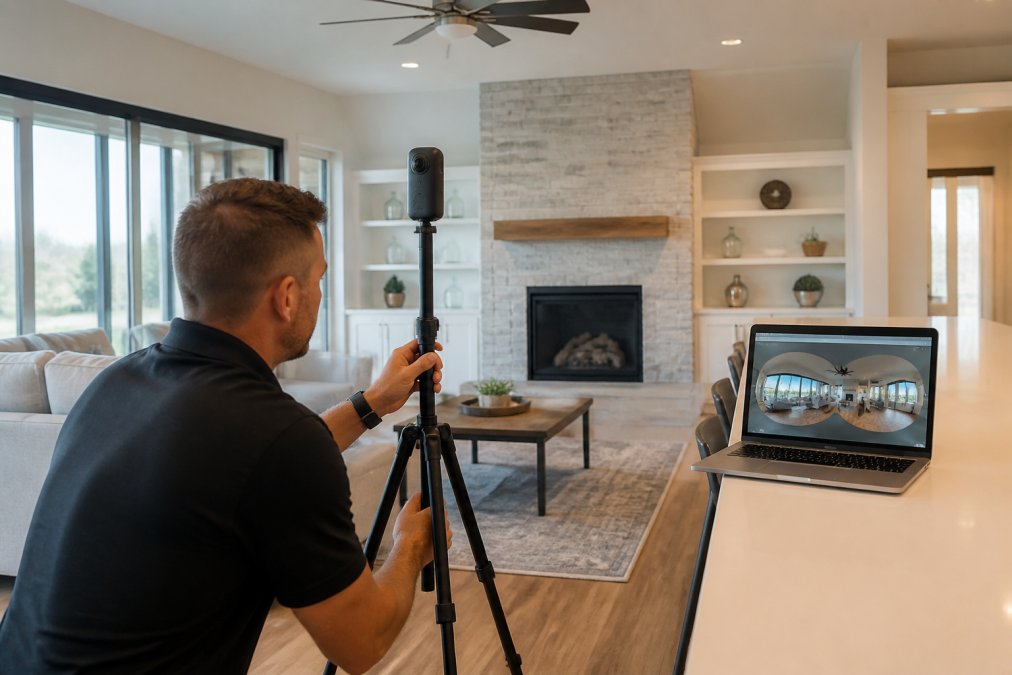
- Plan the shot list room by room, prioritizing the spaces buyers care about most
- Set up your tripod and 360-degree camera at a consistent height in each room
- Capture overlapping frames so stitching software has enough data to work with
- Patch the nadir, the blind spot directly under the tripod, during editing
- Process HDR exposures to balance bright windows against dim interiors
- Stitch the frames into seamless panoramic imagery
- Upload to your platform and add interactive hotspots
- Embed the tour on your listing page and MLS where allowed
- Connect the lead generation form to your CRM
Hardware and Shooting Requirements
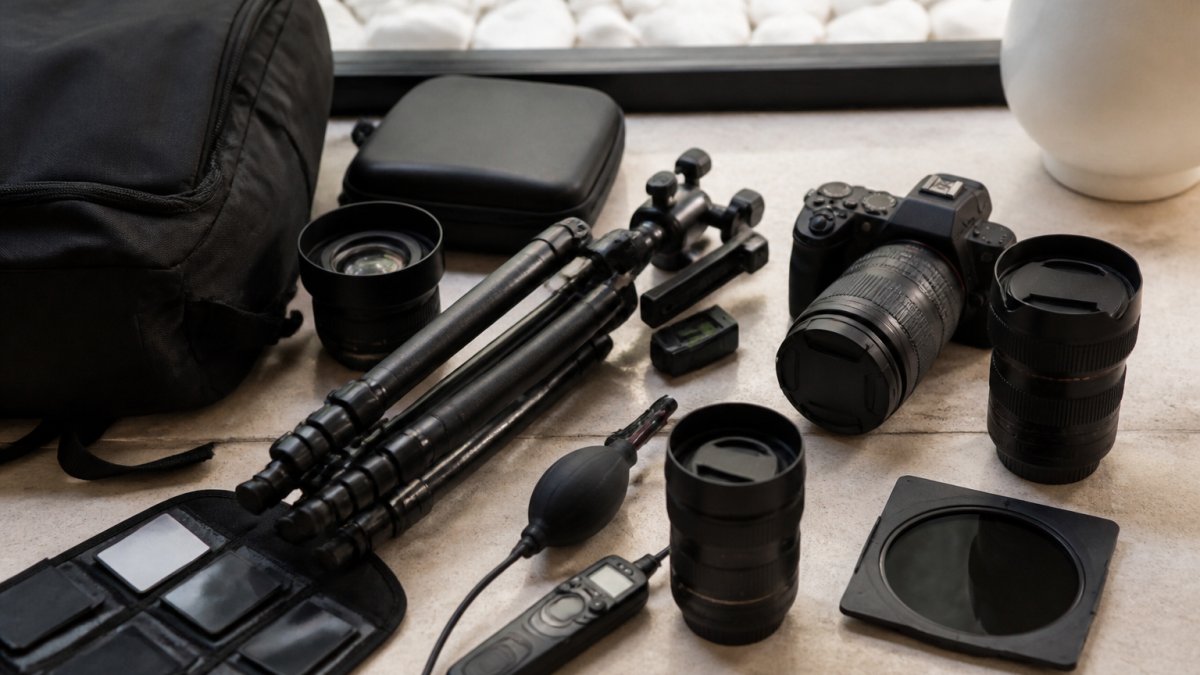
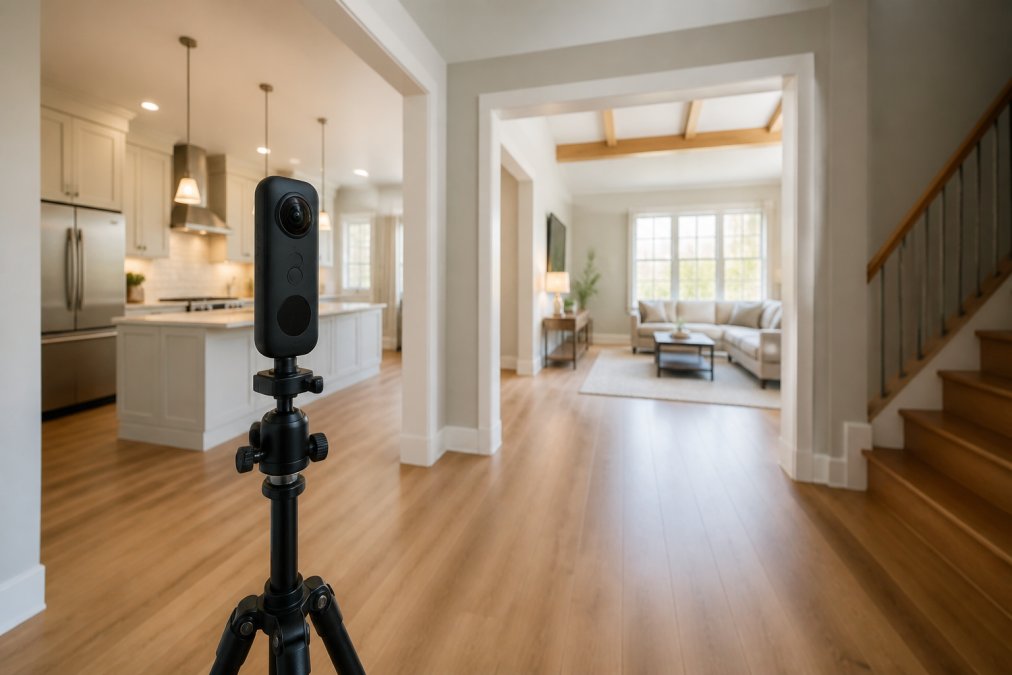
You don't need a full production rig to shoot a usable tour. A 360-degree camera, a sturdy tripod, and consistent lighting get you most of the way. The catch is the details. A fisheye lens on a consumer camera captures the full sphere but distorts edges, so stitching software has to correct for it. Tripod setup matters more than people think: an unstable tripod ruins the nadir patch and leaves a visible seam.
Virtual Tour Photography Best Practices for Listings
Virtual tour photography best practices come down to lighting, consistency, and knowing when to bring in a professional. Interior lighting is the hardest part, especially in homes with strong natural light on one side and dark corners on the other. HDR processing helps, but it can't fix a room shot at the wrong time of day.
A few rules that hold up across listings:
- Shoot bright rooms during the day and dim rooms with added light
- Keep the camera at a consistent height throughout
- Remove clutter before capture, since 360 cameras see everything
- Match the tour's color and tone to your still photography
For luxury listings in areas like Scottsdale and Paradise Valley, buyers expect a polished, consistent look. That's where hand-blended imaging and professional capture separate a listing that impresses from one that merely exists.
Pricing Models and What Drives Cost
Virtual tour pricing splits into three models, and the one you pick should match how often you list. Most providers quote per listing rather than publishing a flat rate, so the headline number on a pricing page rarely reflects what you'll actually pay.
| Pricing Model | How It Works | Best For | Watch Out For |
|---|---|---|---|
| Monthly subscription | Flat fee for a set number of active tours or hosting slots | Agents listing 5 or more properties a month | Tours often expire or get archived when you cancel; overage fees per extra tour |
| Per-tour or per-listing | One-time fee per property, sometimes tiered by square footage | Agents listing sporadically | No hosting after a set window unless you pay a renewal |
| Done-for-you bundle | Per-listing fee that includes capture, editing, hosting, and delivery | Agents who want zero production work | Highest per-listing cost; recurring every time you list |
The biggest cost drivers are capture method, editing depth, and turnaround time:
- Capture method: a smartphone or dedicated 360 camera tour sits at the low end; a DSLR rig with manual stitching sits higher because of labor.
- Editing depth: HDR blending, nadir patching, virtual staging, and floor plan integration each add cost.
- Turnaround: rush delivery within 24 hours commonly carries a premium over standard multi-day turnaround.
- Delivery format: a flat 360 photo tour costs less than a true-to-scale 3D model with a linked floor plan.
For agents running 15 to 20 properties a month, the per-listing math matters more than the headline price. Ask for a volume quote rather than comparing single-tour rates, and confirm whether hosting renews automatically or expires.
Post-Tour Lead Conversion Workflows
A virtual tour generates its value after the buyer finishes viewing, not during. The agents who win are the ones with a workflow that catches interest and acts on it fast.
Here's a simple workflow that works:
- Trigger a lead generation form after a set engagement threshold, not on arrival
- Route captured leads straight into your CRM with the tour source attached
- Send a follow-up within the hour while interest is fresh
- Offer a live remote walkthrough for buyers who want a guided experience
- Track which rooms and hotspots get the most attention to refine future tours
Most platforms stop at the embeddable code. The conversion rate comes from what you do with the lead data afterward. An analytics dashboard that shows where buyers linger tells you what to feature in your next listing's marketing.
Accessibility and MLS Compliance for Virtual Tours
Accessibility and MLS compliance are the parts agents skip, and they're often the parts that cause problems. The Americans with Disabilities Act and the Web Content Accessibility Guidelines, or WCAG, set expectations for how digital content should work for people using assistive technology. A virtual tour that can't be navigated without a mouse excludes a segment of buyers and creates risk for the listing agent.
W3C Web Content Accessibility Guidelines outline the standards that apply to web-based viewers, and U.S. Department of Justice ADA guidance explains how accessibility obligations apply to digital experiences. On the MLS side, rules vary by region, so confirm what your local MLS allows before embedding a tour or gating content behind a form. Some restrict lead capture on public listings; others require disclosure. Getting this right protects you and keeps your tour live.
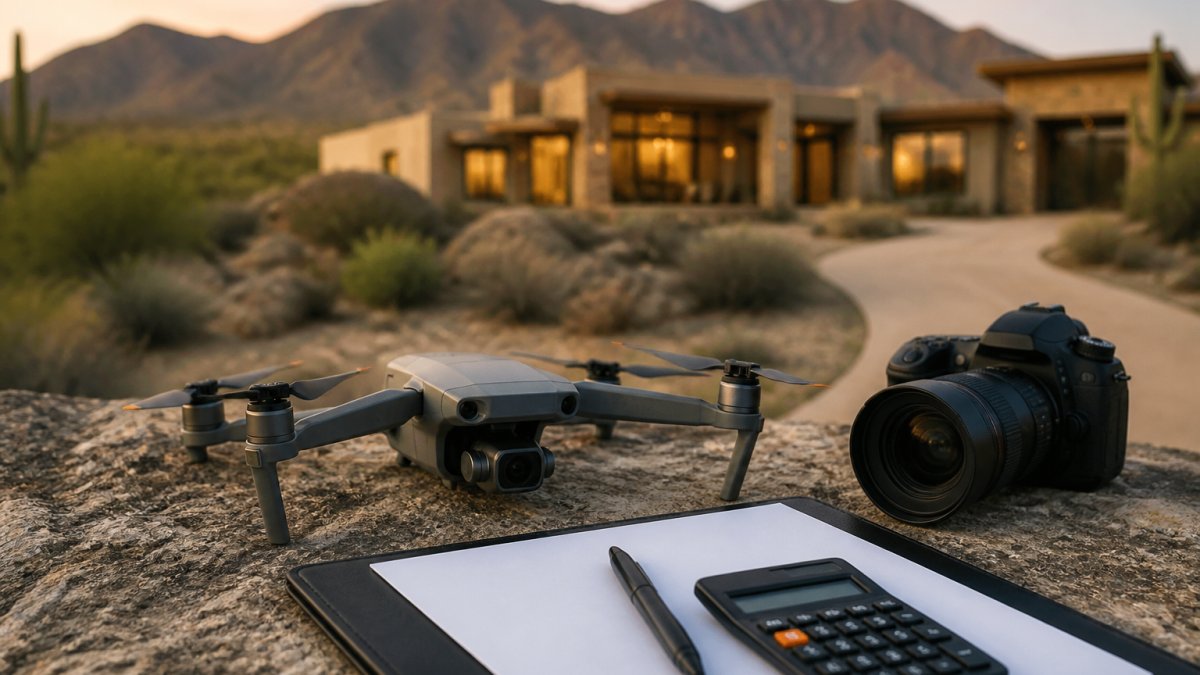
Virtual tours are only as strong as the media behind them, and inconsistent capture or flat lighting undermines even the best platform. Desert Home Photography handles the whole job for Phoenix Valley agents: immersive virtual walk-through tours, hand-blended imaging that fixes tough interior lighting, and FAA-licensed drone photography for listings that need an aerial edge. If you're tired of tours that look fine but never convert, get the media right from the start. Call or text Desert Home Photography to book your next listing and see the difference professional capture makes.
Frequently Asked Questions
Can realtors create professional virtual tours themselves?
Yes, many agents shoot 360-degree photos with a consumer camera and use cloud-based software to stitch and host the tour. The trade-off is time and consistency: interior lighting, nadir patching, and HDR processing take practice. Agents with high listing volume often hire a specialist so tours stay uniform and list-ready, while occasional sellers may prefer a drag-and-drop editor to build one themselves.
How do virtual tours impact property listing engagement?
Virtual tours keep buyers on a listing longer because they can explore a home room by room instead of scrolling static photos. That added time on page supports better lead capture through embedded forms and interactive hotspots. For agents, the practical gain is fewer wasted showings and more qualified inquiries, since remote buyers can rule a property in or out before scheduling a visit.
What is better than Matterport for real estate agents?
It depends on your priorities. If you need fast turnaround and lower per-listing cost, web-based 360 tour software with a drag-and-drop editor and embeddable code often fits better than a hardware-dependent platform. If you want the deepest floor plan integration and analytics dashboard, a dedicated scanner system is an option. Many agents now mix both, using one tool for luxury listings and a lighter option for volume.
Do virtual tours help with MLS compliance and accessibility?
They can, if you plan for it. MLS compliance usually means keeping tour links accurate and avoiding unapproved virtual staging that misrepresents a property. Accessibility matters too: add captions or text alternatives so buyers using screen readers can still get the home's layout. Checking your local MLS rules and WCAG guidance before publishing saves rework later.