 how-to
How to Add a Virtual Tour to Zillow: 2026 Guide
Table of Contents
- What You'll Need Before You Add a Virtual Tour to Zillow
- Step-by-Step: How to Add a Virtual Tour to Zillow
- How to Link Matterport to Zillow
- Benefits of 3D Home Tours for Property Sales
- Best Practices for Real Estate Virtual Tours
- Troubleshooting: Why Your Virtual Tour Isn't Showing Up on Zillow
- Frequently Asked Questions
Last Updated: September 16, 2026
What You'll Need Before You Add a Virtual Tour to Zillow
Adding a virtual tour to Zillow starts with the right capture tools and a verified listing, not the upload screen. Zillow's 3D Home feature is a free tool inside the Zillow Premier Agent app that accepts 360-degree panoramic imagery from a compatible camera or phone. Desert Home Photography provides immersive virtual walk-through tours for agents across the Phoenix Valley, and the questions we field most often are about the handoff between a professional capture and the Zillow listing dashboard.
Before you begin, confirm four things:
- An active listing or a claimed property address. Zillow will not attach a tour to a home you have not claimed.
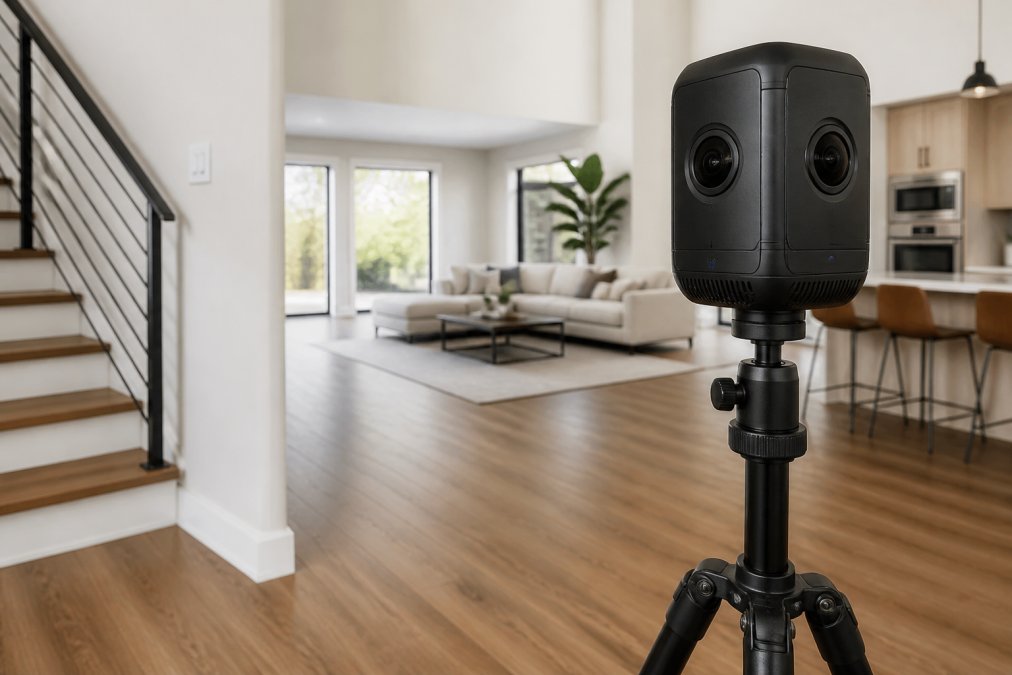
- A compatible capture device. A 360-degree camera, or a recent smartphone using the in-app capture mode.
- Your account credentials. The same profile authentication you use for the Zillow Premier Agent app.
- A stable connection. Large panoramic files stall on weak Wi-Fi, the most common cause of a failed upload.
Step-by-Step: How to Add a Virtual Tour to Zillow
The upload takes roughly five minutes once your imagery is ready. What slows people down: file format, connection speed, and where the tour is hosted.
Logging In and Selecting the Property Address
Open the Zillow Premier Agent app and sign in. From the listing dashboard, search the property address and select the correct match. Zillow ties the tour to that record, so a mistyped address means the tour lands on someone else's listing or nowhere at all.
Uploading and Processing Your Tour
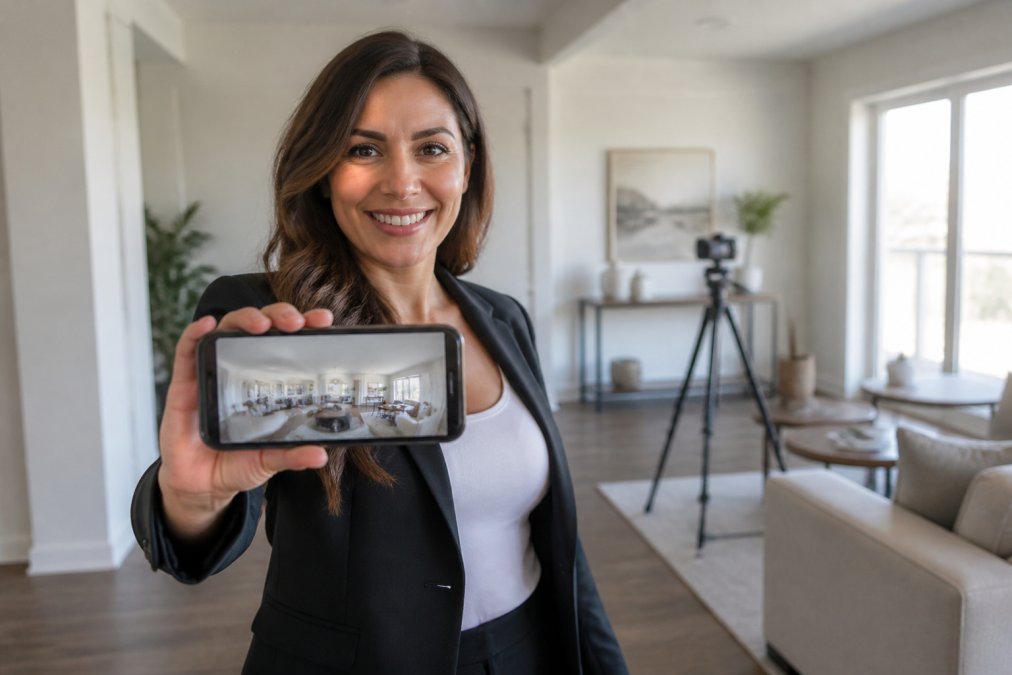
Tap the 3D Home option, then choose whether to capture live or upload existing panoramas from your gallery. The upload runs in two stages: file transfer, then image processing, where Zillow stitches the panoramas into a navigable walkthrough.
Sharing Tours with Clients and Embedding on External Sites
Once processing completes, the tour appears on the listing and generates a shareable link. Copy it for client delivery, or use the embed code to place the tour on your own website. The embed code is HTML, paste it into a custom HTML block, not a rich-text field, or it will render as plain text.
How to Link Matterport to Zillow
Matterport tours reach Zillow through a link field, not a direct file upload. Zillow does not ingest Matterport's proprietary format, so the connection is a URL handoff, where most agents lose an afternoon. The workflow is short:
- Publish your Matterport space and copy the public share link.
- Open the listing in the Zillow listing dashboard.
- Find the virtual tour or media section and paste the URL into the tour link field.
- Save and refresh the listing to confirm the tour preview loads.
Hosting Requirements Before the Link Will Render
Zillow is not a tour host, it is a display layer pointing at a tour hosted elsewhere. The tour must live on a public, crawlable URL before you paste anything into the listing dashboard. A few rules:
- The tour must be publicly viewable without a login. Password walls, expiring share links, and "unlisted" modes will not render.
- The host must allow embedding or direct linking. Some hosts gate their player behind a referrer check; if the preview is blank on Zillow but works when you open the link directly, that is usually the cause.
- The URL should be stable. If you re-publish the tour and the share link changes, the Zillow listing keeps pointing at the old, dead URL until you update it.
How the Tour Syncs to the MLS
- Manual entry. You or your listing coordinator paste the tour URL into the MLS's virtual tour field. The MLS displays whatever URL you gave it. This is instant and fully under your control, but it does not update if the tour link changes.
- Platform sync. Some MLSs pull listing media from a third-party host or from Zillow's own feed on a schedule. In this path, the tour appears when the sync runs, not when you publish it. A tour that is live on Matterport can take hours or longer to surface on the MLS, and there is nothing to fix on your end in the meantime.
For agents who would rather not manage the handoff, a hosted tour delivered by a photography team removes this step entirely. Desert Home Photography provides immersive virtual walk-through tours as part of its listing media.
Benefits of 3D Home Tours for Property Sales
A 3D home tour does something a photo gallery cannot: it lets a buyer understand a floor plan before scheduling a showing, which changes who walks through the door.
The practical benefits agents report most often:
- Fewer wasted showings. Buyers who have already toured digitally arrive pre-qualified and less likely to be surprised by layout.
- More time on listing. Interactive tours keep buyers engaged longer than a static photo set, which matters for property marketing.
- Out-of-state interest. Relocation buyers cannot visit on a whim; a virtual walkthrough is often the deciding factor in whether they pursue a home at all.
- Stronger listing visibility. Listings with rich media tend to attract more clicks than photo-only listings, and Zillow displays a 3D badge on tours it hosts.
Best Practices for Real Estate Virtual Tours
Best practices for real estate virtual tours come down to three things: light, order, and accuracy. Get those right and the tour sells the home; get them wrong and it undermines the listing.
Troubleshooting: Why Your Virtual Tour Isn't Showing Up on Zillow
Most missing-tour problems trace to one of five causes. Work through them in order before assuming the tour failed.
| Problem | Likely Cause | Fix |
|---|---|---|
| Tour never appears on listing | Listing not claimed or still in draft | Claim the property, publish, then reattach |
| Upload stalls at processing | Weak connection or oversized files | Switch to Wi-Fi, retry with fewer rooms |
| Matterport link shows blank | Private link or editor URL pasted | Re-copy the public share URL |
| Tour displays on desktop only | Embed code placed in a rich-text field | Paste into a custom HTML block |
| Tour appears, then syncs late | Platform sync delay | Wait, then refresh; contact support if it persists |
Sync Delays: Why a Live Tour Still Shows as Missing
Sync delays are the most misdiagnosed problem in this workflow. Zillow and third-party hosts exchange listing data on a schedule, not instantly, so a tour live on your hosting platform may take time to appear on the Zillow listing, and the delay is not a bug you can fix by re-uploading. A few things to know:
- The delay is on the feed, not the tour. The tour is fine. The listing record Zillow is reading simply has not refreshed yet.
- Re-uploading does not speed it up. Deleting and re-adding the tour resets the clock and can push the appearance further out.
- The delay compounds if the listing itself is new. A brand-new listing has to propagate through the feed before any media attached to it will display, so a tour added on day one can lag behind a tour added to an established listing.
Hardware Compatibility: Why Your Camera's Files Won't Upload
- It exports standard equirectangular panoramas. If the spec sheet does not say so, assume it does not.
- The files are not locked to a proprietary app. Some consumer cameras only let you view and share through the manufacturer's cloud, which means no file to upload.
- It produces files in a format the Zillow app accepts. Test with a single room on a test listing before committing to a full shoot.
If troubleshooting eats more time than the shoot itself, hand capture and delivery to a specialist. Desert Home Photography provides immersive virtual walk-through tours and uses FAA-licensed drone operators, removing the format and hosting guesswork from your side of the desk.
Frequently Asked Questions
Does Zillow allow virtual tours on all listings?
Zillow allows 3D Home tours on most residential listings, but availability can vary by market and listing type. Rentals, land, and some commercial properties may not support the feature. If your listing doesn't show the option, check that the property address is verified and that your account is linked to the correct MLS. For third-party tours like Matterport, you can often add a link in the listing description or media section, though Zillow's native 3D Home format gives the most seamless viewer experience.
Why is my virtual tour not showing up on Zillow?
The most common causes are sync delays between your MLS and Zillow, missing or mismatched property addresses, and tours that haven't finished processing. Sync delays can take 24 to 72 hours depending on your MLS. If the address on your tour doesn't exactly match the listing address, Zillow may not attach it. Also confirm the tour was published, not just saved as a draft. If it's been more than three days, contact Zillow support with your listing ID and tour link.
Can I add a third-party virtual tour link to Zillow?
Yes, you can add a third-party tour link, such as a Matterport or other hosting platform URL, to your Zillow listing. The link typically goes in the listing description or a designated media field, depending on your MLS rules. Keep in mind that linked tours open in a new tab and don't get the same in-feed preview as Zillow's native 3D Home tours. For maximum visibility, use the native format when possible and add the external link as a supplement.
Is there a cost to add a 3D tour to Zillow?
Adding a 3D Home tour to Zillow is free for agents and homeowners who capture the tour themselves using the Zillow 3D Home app. If you hire a professional photography company to capture and deliver the tour, you'll pay for that service. Pricing depends on property size, number of tours, and delivery timeline, so request a quote for your specific listing. The Zillow upload itself doesn't carry a fee.